“The end of support is the beginning of risk.” That’s the rather stark reality Apple users are facing as the company expands its list of obsolete and vintage devices. Millions of iPhones, iPads, Macs, and Apple Watches are now officially cut off from security updates and repairs, making them more vulnerable than ever. For the everyday Apple user who’s hung onto older devices for cost-savings reasons, today’s announcement marks a turning point.
Obsolete status doesn’t mean a device just stops working overnight-but it does mean its defenses against cyber threats stop evolving. And on the threat landscape of today, standing still is dangerous.
The following listicle breaks down the most pressing facts Apple users need to know now, from which devices are affected to the hidden dangers of outdated software, and the smartest upgrade strategies to protect both your data and wallet.
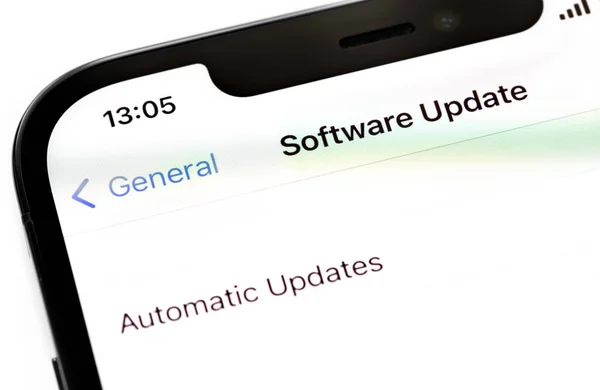
1. What ‘Obsolete’ Really Means
When Apple declares a product obsolete, it stops providing both repairs and iOS security updates. Without these updates, vulnerabilities stay open to be exploited by attackers. According to Apple, devices are considered obsolete if they’ve been out of sale for more than seven years, and service providers can no longer order parts for them. While Macs may get an extended battery-only repair period of up to 10 years, that’s subject to parts availability – and for most devices, support simply ends.
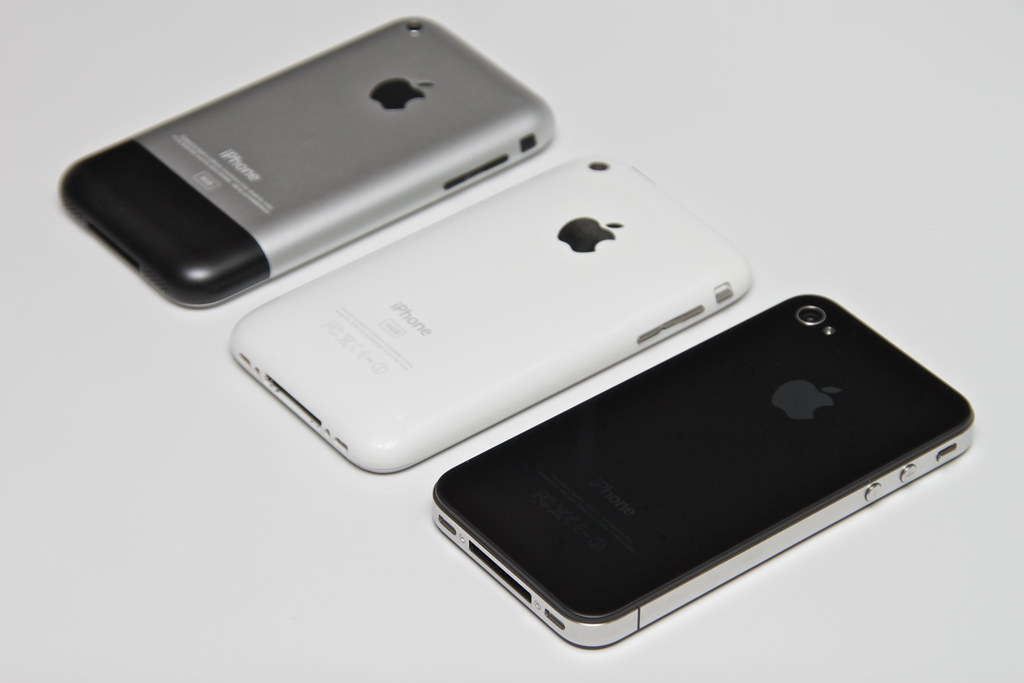
2. The Growing List of Vulnerable iPhones
Apple’s newest update extends the obsolete list with the original iPhone SE, and all versions of the iPhone 6s, joining older models like the iPhone 4S, 5C, and 6 Plus. When a gadget reaches this list, it stops receiving critical patches for security vulnerabilities, thus becoming much more vulnerable to malware and phishing attacks. Even simple tasks like browsing may become hazardous, as outdated WebKit engines cannot block the latest types of threats.
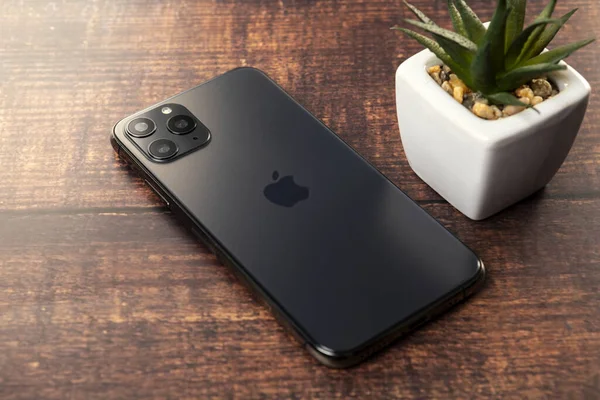
3. Legacy Devices: A Stopgap Solution
Apple’s ‘vintage’ category means partial support, with occasional security updates and limited repair options. Included in this category are the iPhone 8, iPhone X, and iPhone 11 Pro Max. While that means major vulnerabilities can still be patched, parts are more difficult to source, and full support will cease within a year or two. If you’re using a phone classified as vintage, you should start thinking about replacing it rather sooner than later.
4. iPads and Apple Watches Also Affected
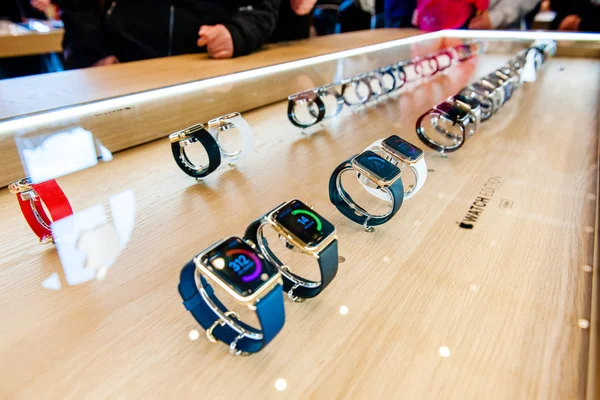
But iPhones aren’t the only part of the obsolete list. It also includes iPads from the original model through the iPad Pro 12.9-inch, 2nd generation, and early models of Apple Watches, such as Series 1, Series 2, and some Series 4 editions. No further security updates for these devices mean risks from zero-click exploits, or attacks that can compromise a device without any user interaction.
5. The Hidden Danger of Outdated iOS
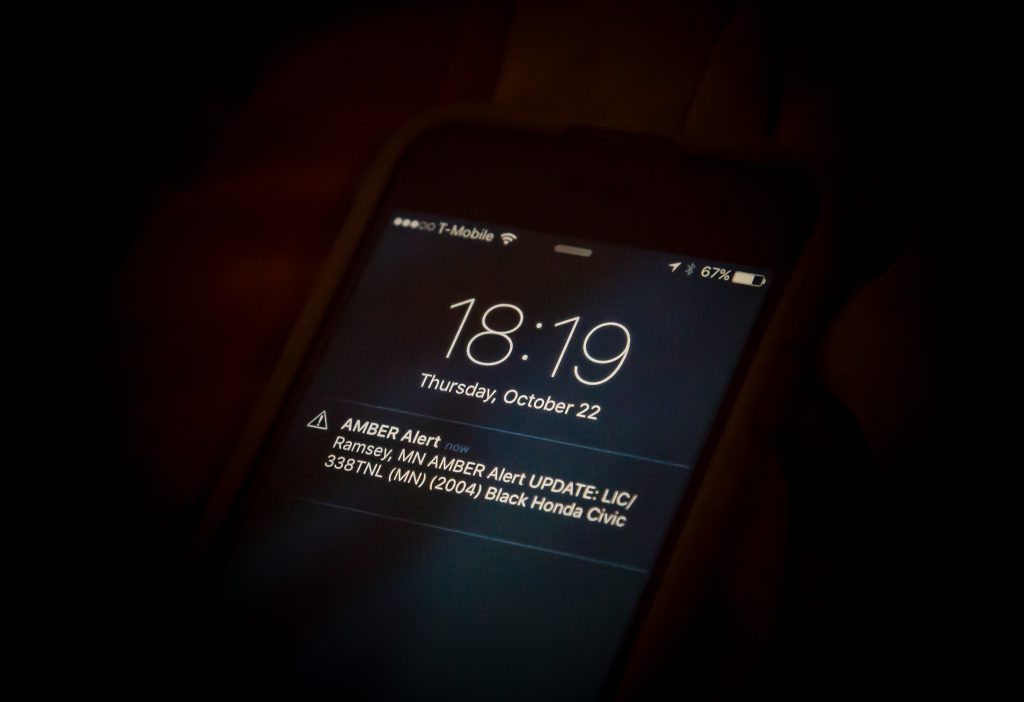
Apple’s patching policy can create an unwarranted sense of security. Devices running older OS versions may still get sporadic updates; these updates cover only a portion of the vulnerabilities. As remarked by Joshua Long, a security researcher, iOS versions like 16 are considerably less safe than today’s releases, since dozens of known flaws are still unpatched. This gap in safety leaves the users exposed to exploits that cybercriminals can easily adapt from high-profile spyware campaigns.

6. Zero-Click and WebKit Exploits
Zero-click vulnerabilities can compromise devices without any user action, including when their device is locked. WebKit flaws, affecting all iOS browsers, can be triggered simply by visiting a malicious site or viewing an infected email. Without current patches, these exploits can bypass defenses entirely; outdated devices pose an easy target for both targeted and widespread attacks.
7. Macs Without Updates: Risks and Workarounds
The unsupported Macs lose security patches, updated malware definitions, and browser protections. Over time, critical apps eventually cease to work; even accessories no longer update. Savvier users can extend life using tools such as OpenCore Legacy Patcher, which installs newer versions of macOS on unsupported hardware. Less technical users can mitigate the risk by turning on FileVault, enabling the firewall, and limiting what’s done on it until replacement.
8. How to check whether your device is affected
Apple’s support page has a comprehensive list of all obsolete and vintage models. If your device can’t run the most recent iOS 26 or macOS Sequoia, then it’s already on borrowed time. Security advisor Jake Moore warns that “once a vulnerability is found by attackers, it can be rapidly exploited,” underscoring the need to verify family members’ devices too-particularly hand-me-downs for kids or grandparents.
9. Smart Upgrade Strategies
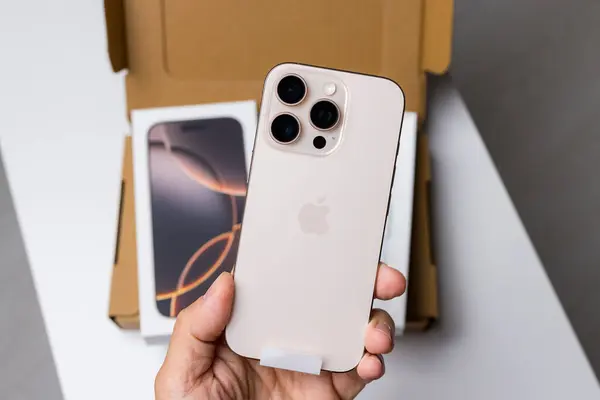
Upgrading does not mean getting the latest flagships. Certified Used iPhones are more affordable ways to get current iOS support with professional refurbishment and warranties included. Try to avoid models more than one year old to enjoy a maximum safe lifespan. For budget-conscious buyers, the recent releases like the iPhone 16e strike a balance between affordability and long-term security updates. The key is ensuring the model will remain supported for as many years as you plan to use it.
Apple’s expanded obsolete list is more than a technical update; it’s a security wake-up call. Devices that no longer receive full patches become increasingly vulnerable, regardless of how well they still function. By knowing which models are affected, the risks of outdated software, and the safest paths to upgrade, users can protect their data and avoid the costly compromises that come with it. In the fast-moving world of digital threats, being supported isn’t optional-it’s a necessity.