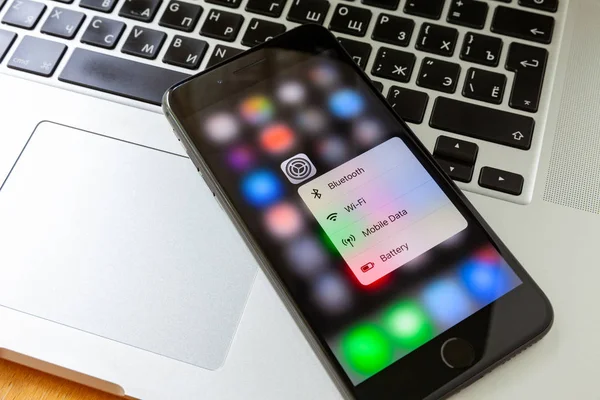
An iPhone usually does a good job of feeling boring in the best way. When it suddenly runs hot, fills with strange ads or behaves unlike itself, that change deserves a closer look.
On iPhones, the bigger risk is often not a movie-style “hack” of the device itself, but a compromised Apple ID, unsafe app, phishing link or unpatched software flaw. Apple’s security model is strong, but it still depends on people installing updates quickly, watching for account changes and checking whether unusual behavior is happening in just one app or across the whole phone.
1. Pop-ups and ads start appearing out of nowhere
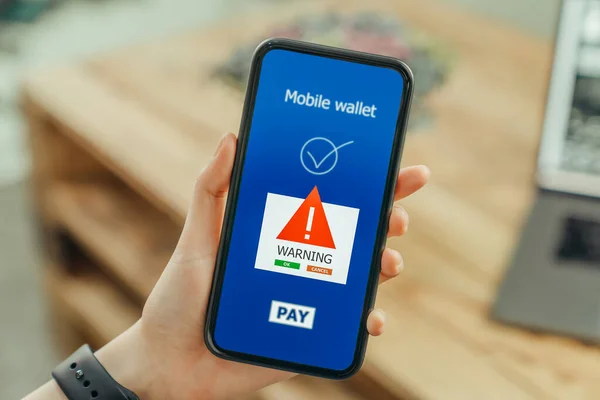
A sudden wave of spammy alerts, fake virus warnings or full-screen ads is one of the easiest changes to notice. This matters most when the interruptions feel new, persistent and unrelated to the site or app being used.
Security guidance around iPhone malware regularly flags spammy pop-ups as a common symptom of adware, scam pages or malicious scripts. Some pop-ups are designed to pressure users into handing over passwords, payment details or permission to install something harmful. A message claiming the iPhone has already been infected is often part of the scam itself, not proof that the phone has been taken over.
2. Apps appear that nobody remembers installing
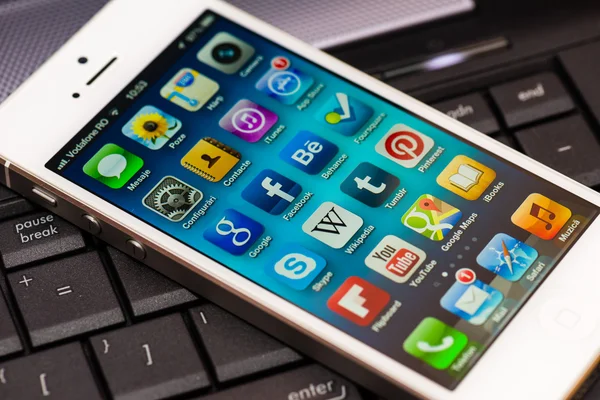
An unfamiliar app icon should never be brushed off as a harmless glitch. If an app shows up without a clear explanation, it can point to unauthorized access, a deceptive install or a child or family member downloading something that deserves review.
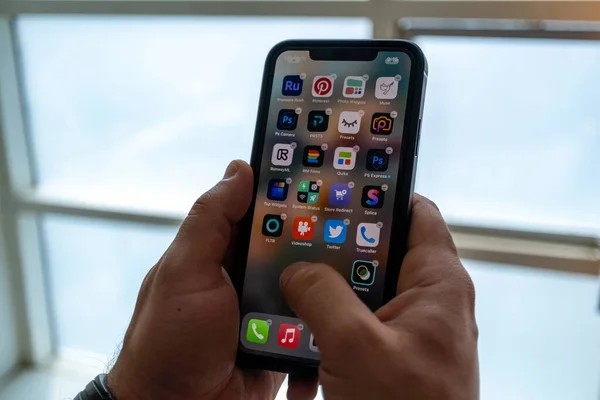
This sign becomes more serious if the app also has broad permissions for photos, contacts, microphone or location. Even when the device itself is not deeply compromised, a suspicious app can still collect data, push scam notifications or open the door to more account trouble. A quick check of installed apps, app permissions and App Store legitimacy can reveal whether the phone is carrying software that does not belong there.
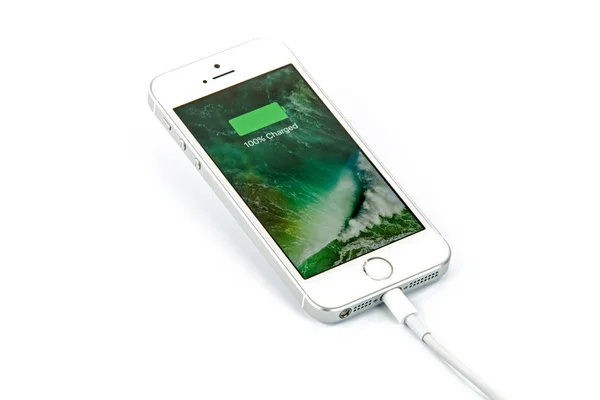
3. The battery drops fast and the phone feels hot
All batteries age, and some updates temporarily affect battery life. The bigger red flag is a sudden change that arrives with no matching shift in screen time, navigation, streaming or gaming.
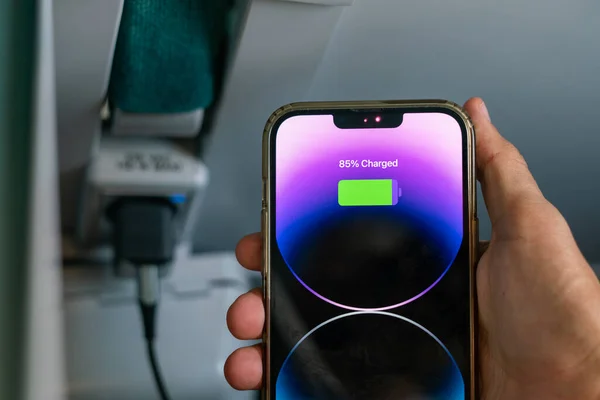
Background abuse often shows up as a pattern rather than a single symptom. The phone may drain faster, feel warm during light use, slow down when switching apps and struggle to last through a normal day. Security experts often group fast battery drain and sluggish performance together because both can reflect hidden activity. On iPhone, that hidden activity may come from a rogue app, excessive background permissions, account syncing problems or malicious processes tied to unsafe sites and downloads.
4. Data usage jumps even though habits have not changed
A spike in cellular data can be one of the most useful clues because it is measurable. If usage climbs without extra streaming, large downloads or travel, something on the phone may be talking to a server in the background.

Checking Settings and the cellular breakdown by app can help narrow down what changed. An unknown app consuming data, or a familiar app suddenly using far more than usual, deserves immediate attention. Security write-ups warn that strange spikes in data usage can be linked to hidden uploads, ad fraud or tracking behavior. It is one of the clearest signs that the issue is not just a random glitch.
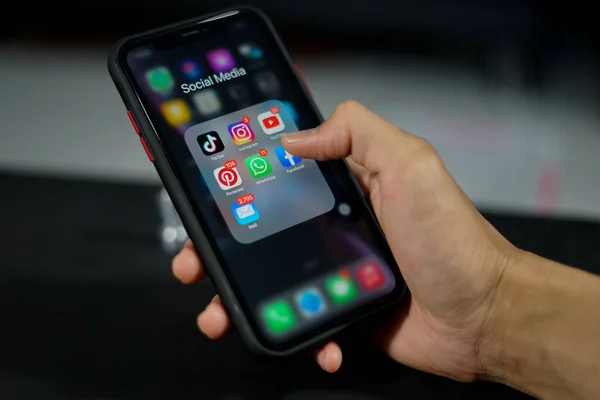
5. Strange texts, calls or account alerts start piling up
Random spam happens to almost everyone, so one odd message is not enough to prove anything. A pattern of unfamiliar verification codes, password reset emails, unknown logins or calls tied to account recovery is far more meaningful.
This is where the conversation often shifts from “Is the iPhone hacked?” to “Has an account been compromised?” Apple community guidance consistently points users toward account review tools, because many frightening symptoms come from stolen credentials rather than direct remote control of the phone. Apple’s Safety Check and trusted-device review can help spot sharing, recovery numbers or device access that should not be there. If email or banking alerts are involved, changing passwords from a different trusted device should move to the top of the list.
If several of these signs appear together, the safest first steps are simple: update iOS, restart the iPhone, review installed apps, check battery and cellular usage, and change critical passwords starting with email and financial accounts. Apple’s defenses remain strong, but delayed patching still leaves gaps. In late 2025, Apple patched dozens of iOS vulnerabilities, which is a reminder that even well-protected devices depend on current software.
If the behavior continues after cleanup, a backup of essential data followed by a factory reset is the cleanest last-resort step. On iPhone, peace of mind usually comes less from chasing dramatic “hack” warnings and more from checking the quiet signals the phone is already giving off.