
“Location data can be extremely valuable and must be protected,” warns the NSA. And in 2025 that advice isn’t just for intelligence operatives-it’s for anyone carrying a smartphone. These pocket-sized devices know far more than most people realize where you sleep, where you shop, even the route you take to work. That information can be sold, shared or stolen.
From the targeted ads that seem to follow you around to the surveillance pricing that changes what you pay based on how and where you move, location tracking has become one of the shadow currencies of the digital economy. Privacy experts, such as Darren Guccione at Keeper Security, say the safest approach is simple just turn on location tracking when you really need it and shut it off right afterward.
The good news is, there are concrete steps you can take to keep your whereabouts private without giving up the conveniences of modern tech. Here’s a curated list of practical, expert-backed steps you can take right now to reduce location tracking and regain control of your digital footprint.
1. Audit App Permissions Regularly
Numerous apps are using location in the background without your knowledge. On the iPhone, view which apps have recently accessed your location by going to Privacy & Security > Location Services purple arrows represent recent use, grey arrows indicate sharing happened within the last 24 hours. Toggle settings to “While Using” or “Ask Next Time” instead of “Always.”
Similar controls for Android users are available by going to Settings > Location > App location permissions. Cybersecurity analysts recommend going through the list once a month, since several apps update their permissions without notice. Limiting the background access helps protect privacy and saves battery life.
2. Disable Precise Location When It’s Not Needed
iOS and Android give you a choice You can share a precise location or a general area. Precise location engages GPS, Wi-Fi, Bluetooth, and onboard sensors like gyroscopes to identify your exact position, even inside buildings. Unless you are meeting someone or navigating, turn this off.
Disable Location Accuracy for all apps in Android with an iPhone, do it on an app-by-app basis in Location Services. This simple change keeps casual apps from knowing your precise coordinates and still lets weather or shopping apps work with approximate data.

3. Reset or Delete Your Advertising ID
Your phone’s advertising ID is a unique identifier used by companies to track you across apps. It is highly recommended to delete or reset it, as privacy advocates suggest, in order to break these profiles.
This is the step for iPhones: go to Settings > Privacy > Apple Advertising and turn off Personalized Ads. On newer Androids, this is Settings > Privacy > Ads and tap Delete Advertising ID. The NSA also recommends that this be done from time to time to minimize data trails feeding into targeted marketing and surveillance pricing.
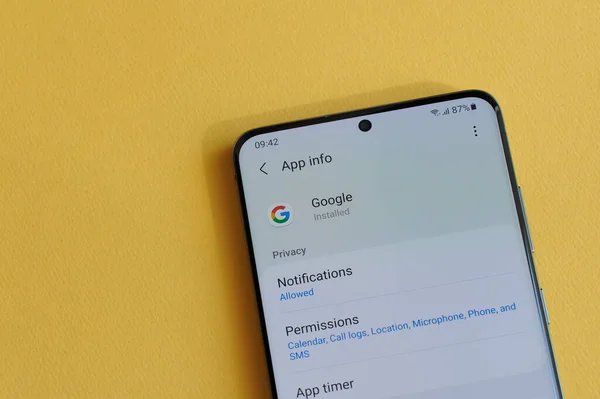
4. Lock Down Your Google Account’s Location History
Even if you have Location History turned off, Google can still track your movements through Web & App Activity. Google will automatically delete the history now after three months by default, following an AP investigation in 2018, but you can shorten that.
Go to myaccount.google.com > Data & Privacy > Location History to turn it off altogether or set auto-delete to three months. The FTC has warned that such data can be used to adjust prices based on your profile, so trimming this history is more than just a privacy win it could save you money.

5. Switch to a Privacy-First Browser
Mainstream browsers leak location via IP address or trackers. Privacy-focused browsers such as Brave, DuckDuckGo, and Firefox Focus block third-party trackers, enforce HTTPS, and reduce fingerprinting.
That includes Brave’s randomized fingerprinting and default Tor mode. DuckDuckGo offers something called a “fire button” that instantly deletes all of your browsing data in a single click. Both block tracking attempts way more than Chrome and Safari, says PrivacyTests.org.
6. Utilize Private Search Engines
Searches say a lot about you, and most engines log them. DuckDuckGo, Startpage, and Ghostery do not store search histories or link them to your identity. Even the DuckDuckGo browser plays YouTube videos without Google ads.
Putting a private search engine in a tracker-blocking browser blocks location clues in your searches from feeding into ad profiles or surveillance pricing algorithms.
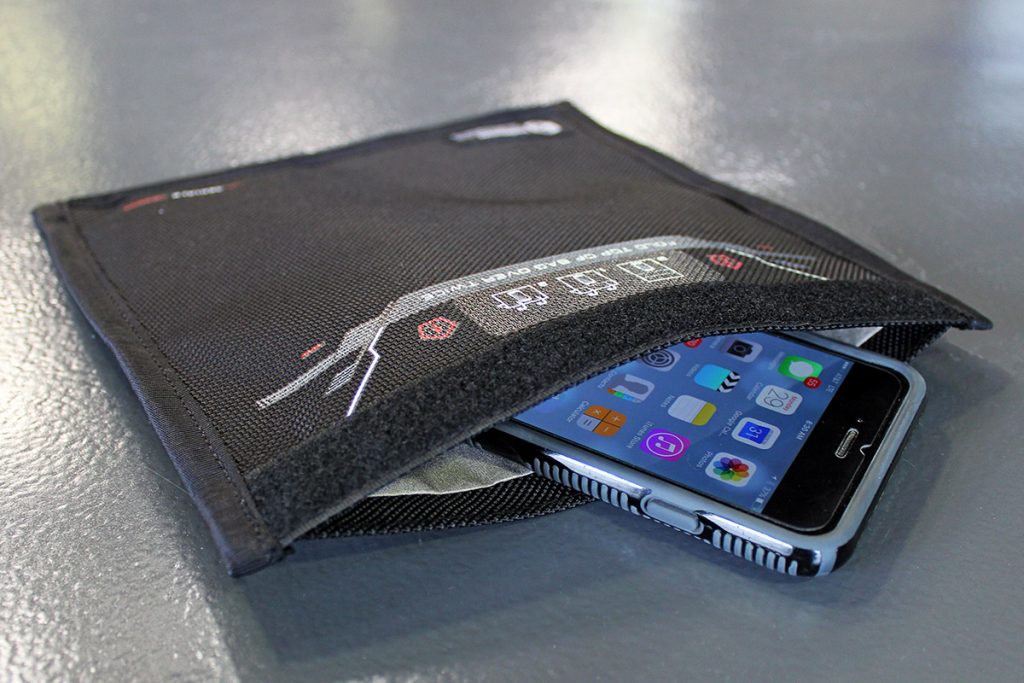
7. Test and Use a Faraday Pouch for Signal Blocking
Airplane mode does not always shut down the signals completely. In high-risk situations, such as sensitive travel to avoid tracking, Faraday pouches block cellular, Wi-Fi, Bluetooth, and GPS. Independent RF tests indicate that products like the EDEC OffGrid and Mission Darkness Window pouches block over 100 dB of signal attenuation up to 6 GHz, which should block most location signals. Test yours by placing an AirTag inside and seeing if your phone can detect it if it can, the pouch isn’t working.
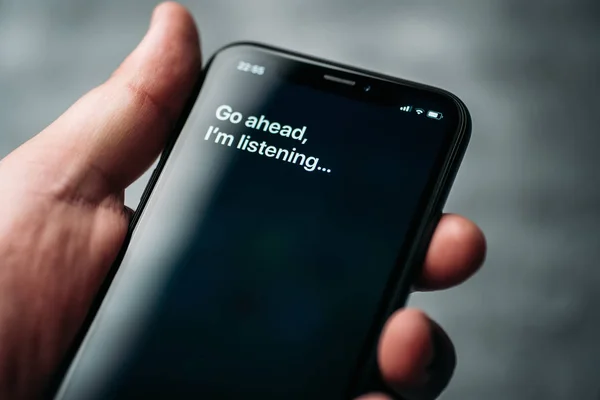
8. Limit Virtual Assistant Data Collection
Another vector of behavioral tracking opens when, in addition to traditional text-based applications, voice assistants like Siri or Google Assistant upload audio recordings for processing to servers. Review the settings to disable the storage of voice recordings. To delete stored audio, iPhone users need to head into Settings > Siri & Search > Siri & Dictation History, while Android users should check Google Account > Data & Privacy > Voice & Audio Activity to turn the feature off. This reduces probable use of location-linked voice data for profiling.
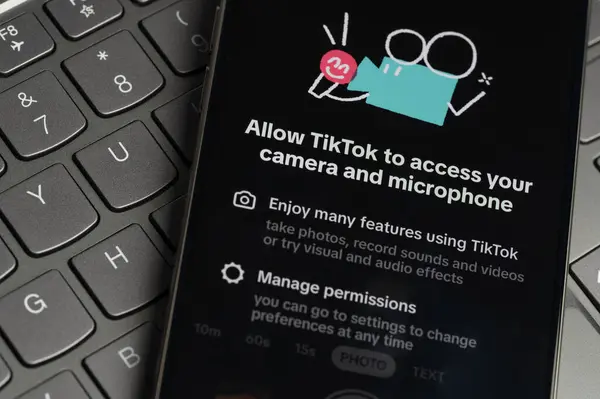
9. App Installation: Control Permissions
If an app asks for location access, check its permission list in the App Store or Play before downloading. Avoid apps that require location access without any credible need for location data, including games, photo editors, etc. The regular pruning of unused apps reduces passive tracking, too. As David Ruiz of Malwarebytes puts it, “It’s either that, or turn off all location data entirely,” which is a bit inconvenient but the ultimate protection. Protecting your location data isn’t about going off the grid it’s about making conscious choices.
By tightening app permissions, reducing precision, blocking trackers, and switching to more privacy-first tools, you retain the benefits of modern technology without blowing a stream of coordinates day in and out. In today’s world, where everything from each click to your very movement can be monetized, these are ways of taking back control over one of your most personal assets: where you are.